
Product / Counter sales
Serve the trade at counter speed.
Find the product, apply the customer’s own prices and terms, and keep collection or delivery attached to the same sale — while the customer is still at the counter.
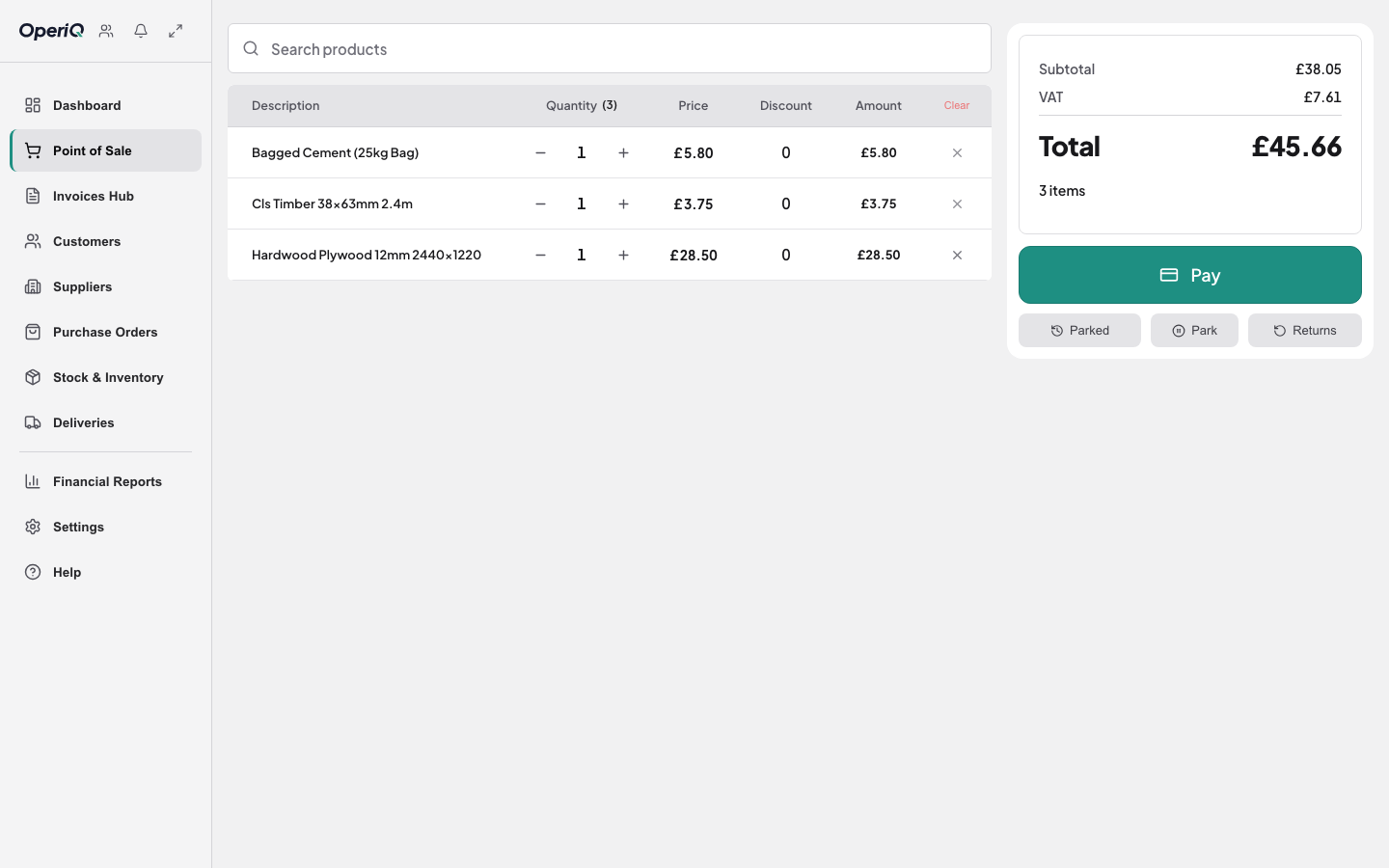
Find it fast
Search by product code, name or description. Bagged cement, CLS by the length, ply by the sheet — all on one sale.
The right price, every time
Pick the customer and their agreed prices, account status and credit limit come with them. No price book under the counter.
Collection or delivery
Add the site address and delivery window to the sale itself, so the yard and the driver work from the same lines.
How it works
- 1 Find Search the catalogue and add lines.
- 2 Price Customer terms apply automatically.
- 3 Complete Take payment, post to account or save as a quote.
- 4 Fulfil Collection or delivery stays connected to the sale.

Built for a trade counter, not a shop till.
Account customers, agreed prices, quotes that turn into orders and deliveries to site are a normal day at a merchant. Generic retail tills treat them as exceptions. OperiQ was built at a working builders’ merchant counter.
Common questions
Yes. Customer-specific prices are part of the data we import when you switch, and you check them in a test copy before go-live.