
One system for the counter, the yard and the office.
OperiQ Merchant connects counter sales, stock, purchasing, trade accounts and deliveries. Enter the order once; everyone works from the same record.
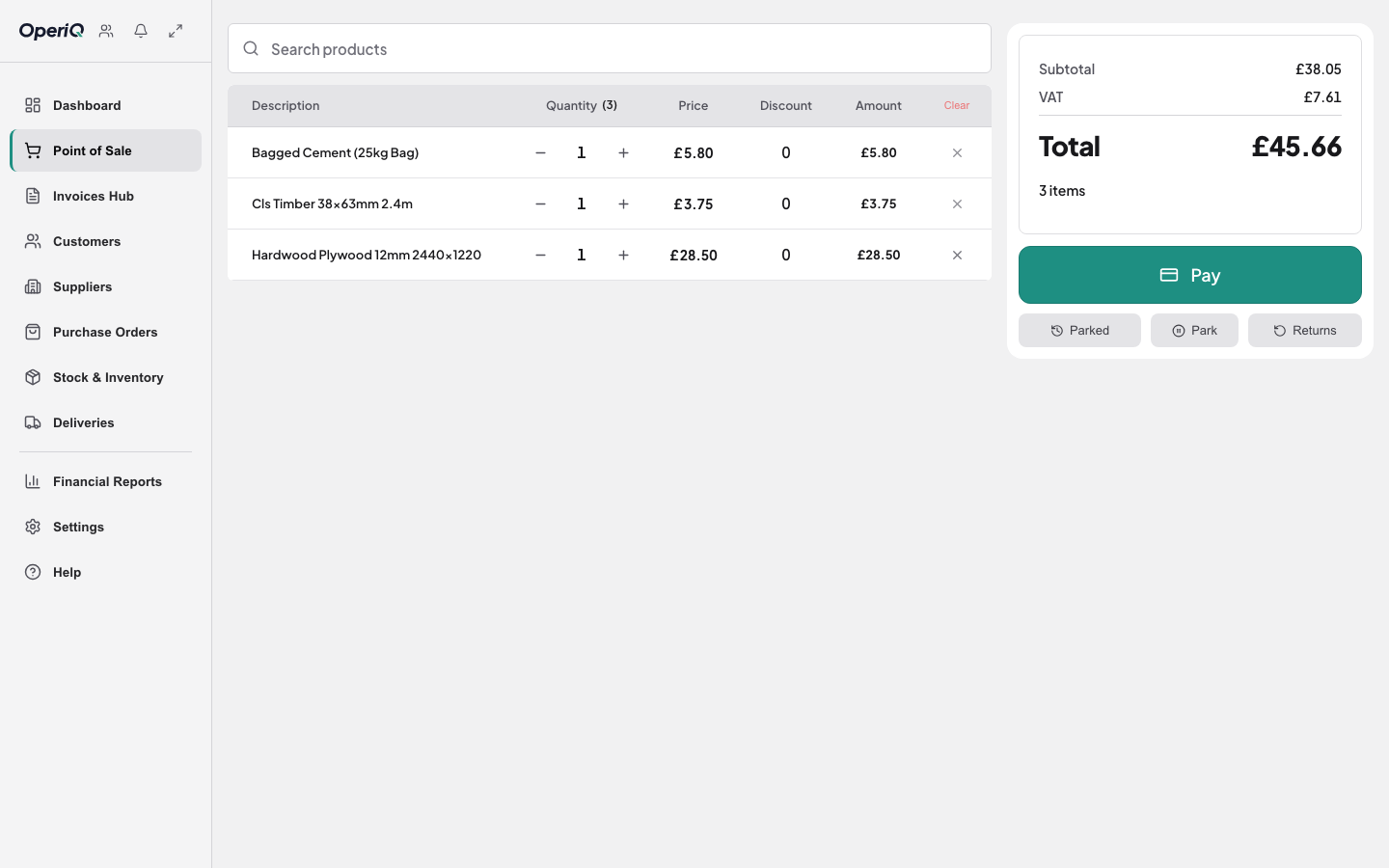
Counter sales
Search, price with the customer’s own terms, and take payment or post to account. Quotes turn into sales without retyping.
See counter sales →
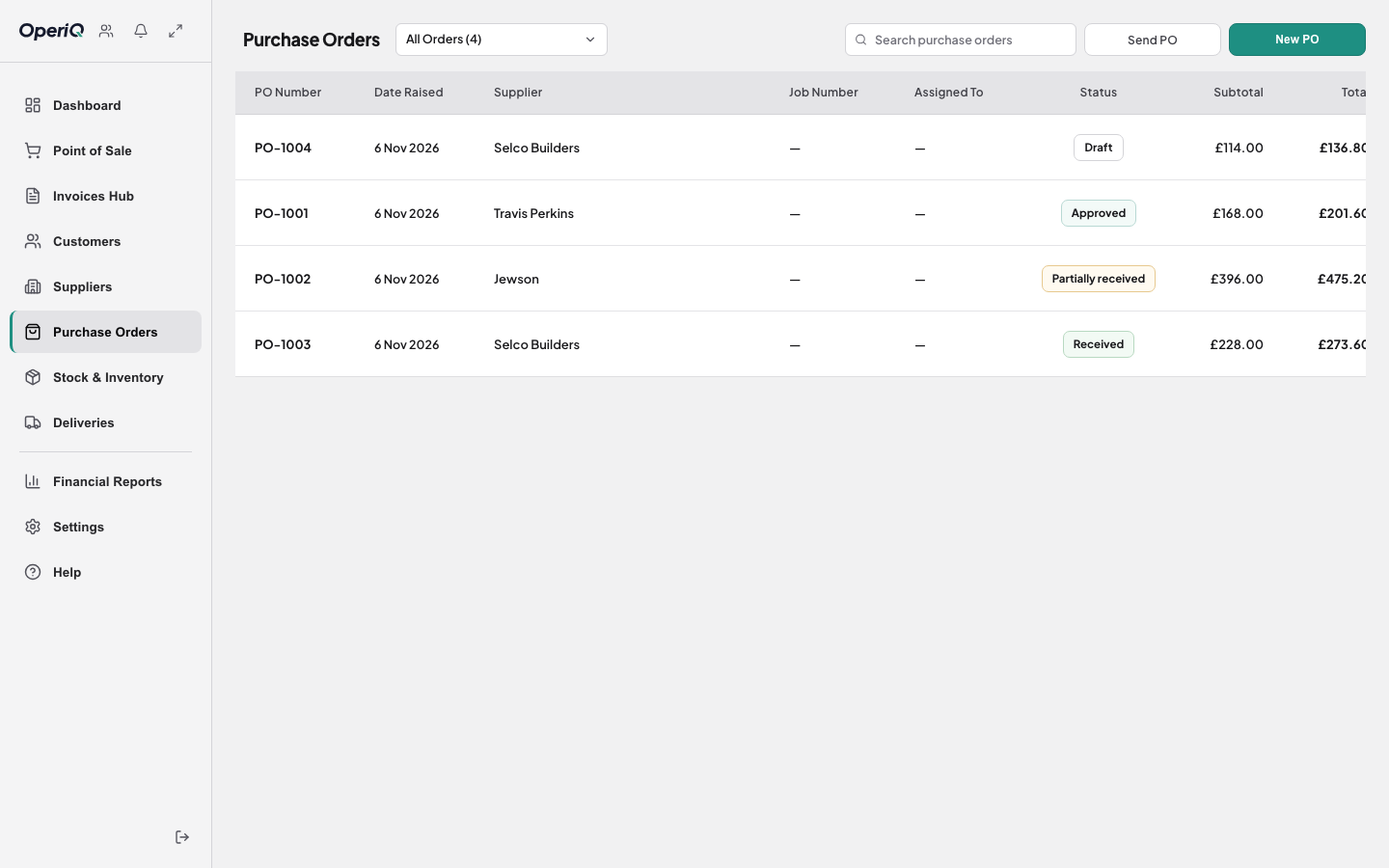
 Stock & purchasing
Physical, reserved and incoming stock. Raise purchase orders and book goods in from a photo of the supplier’s invoice.
See stock & purchasing →
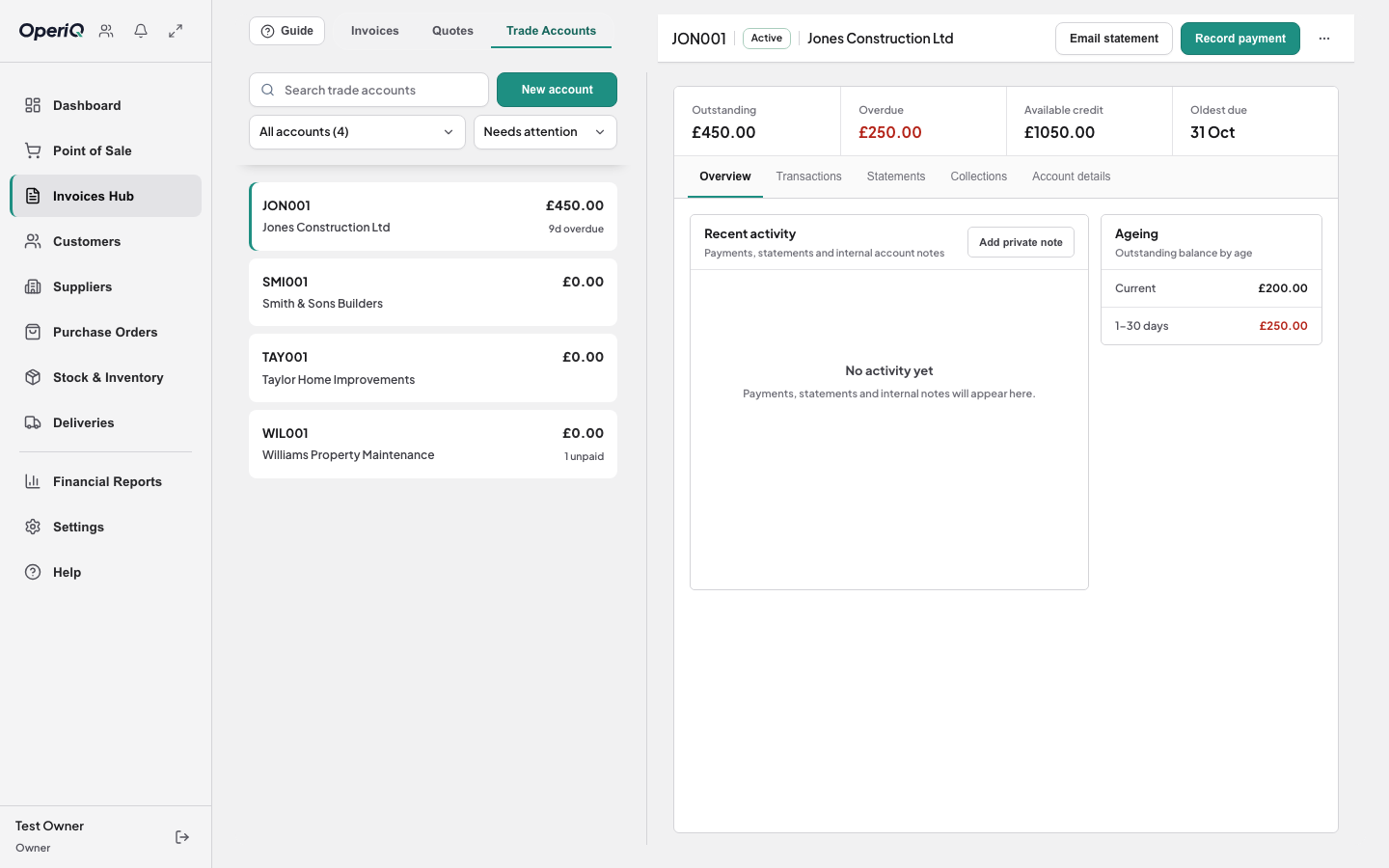
 Trade accounts
Credit limits and account stops at the counter. Invoices, payments, ageing and statements in the office.
See trade accounts →
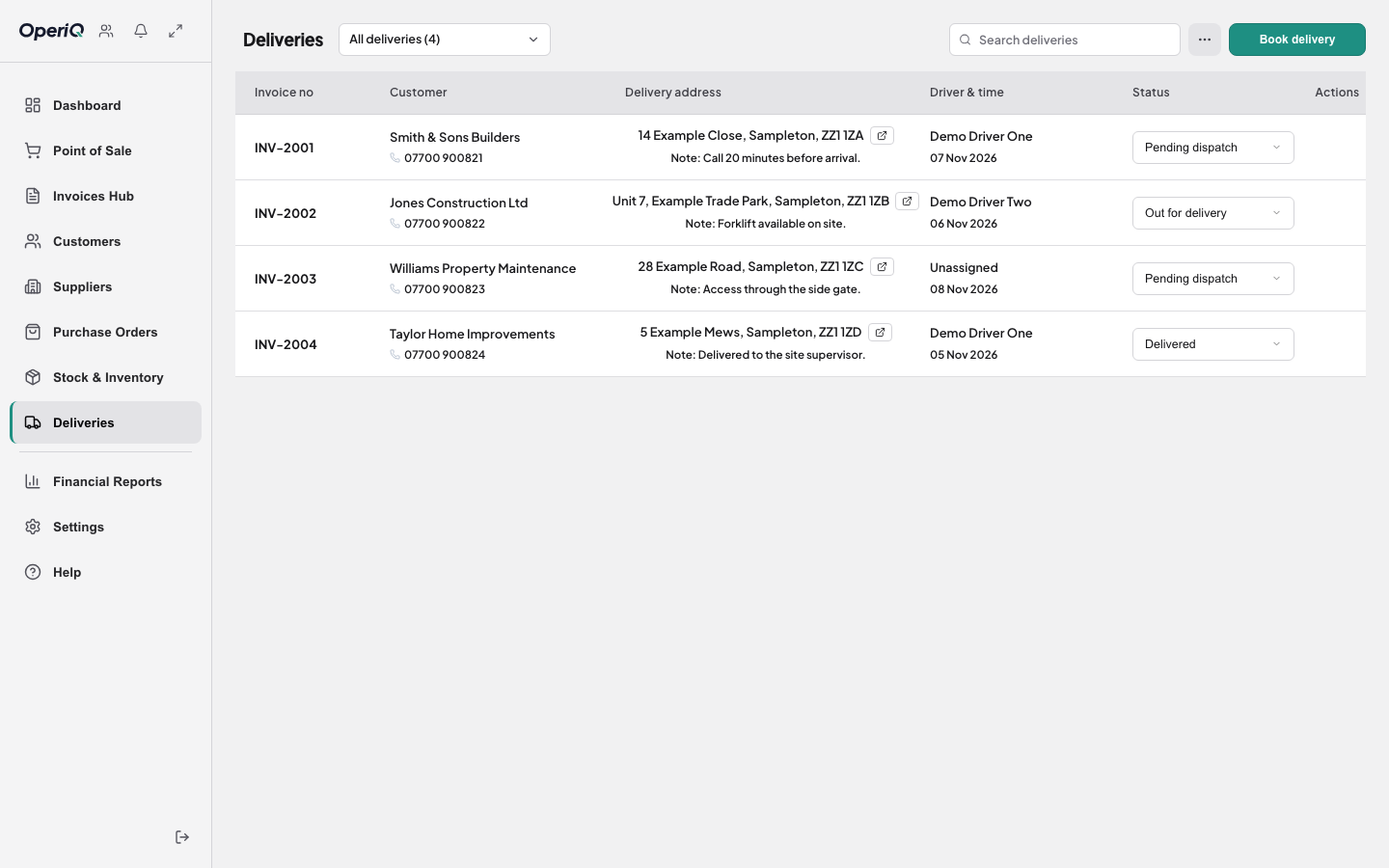
 Deliveries
Book from the sale, assign a driver, and get proof of delivery back from the driver’s phone.
See deliveries →
Stock & purchasing
Physical, reserved and incoming stock. Raise purchase orders and book goods in from a photo of the supplier’s invoice.
See stock & purchasing →
Trade accounts
Credit limits and account stops at the counter. Invoices, payments, ageing and statements in the office.
See trade accounts →
Deliveries
Book from the sale, assign a driver, and get proof of delivery back from the driver’s phone.
See deliveries →
Also in every account
Reporting
Sales, margin, stock and account positions from the records your team already creates.
Roles & permissions
Owners, managers and cashiers each see and change only what they should.
Exports
Your data, exportable from your own account. Free if you ever leave.
Separate workspace
Each merchant’s data sits in its own workspace. Security & data
What OperiQ doesn’t do (yet)
Better you hear it now than after you’ve switched.
- Integrated card terminals — in testing now. Card payments are recorded against the sale until then.
- Bin-level warehouse management — OperiQ handles merchant stock, not a full WMS.
- Route optimisation — deliveries are planned by day and driver, not turn-by-turn.
- A phone till — the counter runs on a PC or laptop. If the internet drops, it keeps selling and syncs later.
Missing a feature? We’ll build it.
If you don’t see something you need, or you have your own way of working, we can add it to OperiQ or build a custom system around you. You get a written scope and a fixed quote before any work starts.